Inventory your clients can trust.
Link assets to customers, assignments, and policies so renewals and audits do not depend on a spreadsheet nobody updated.
Asset sprawl is expensive: wrong warranty dates, mystery owners, and “we think it is at Site B.” Core keeps hardware and configuration context next to the customer record your team already works from every day.
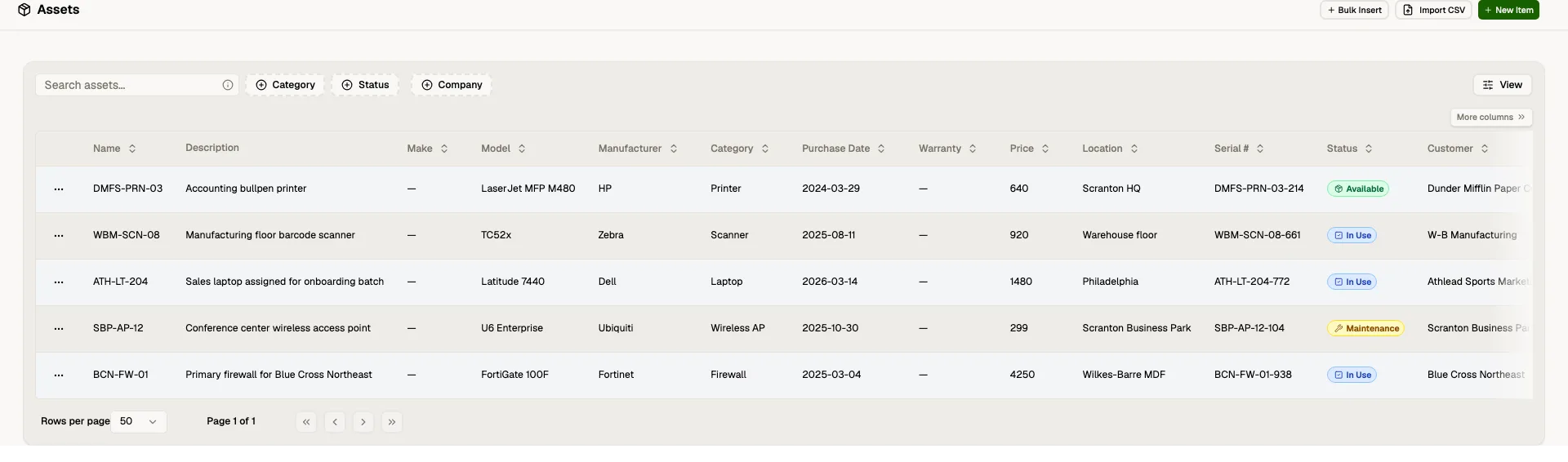
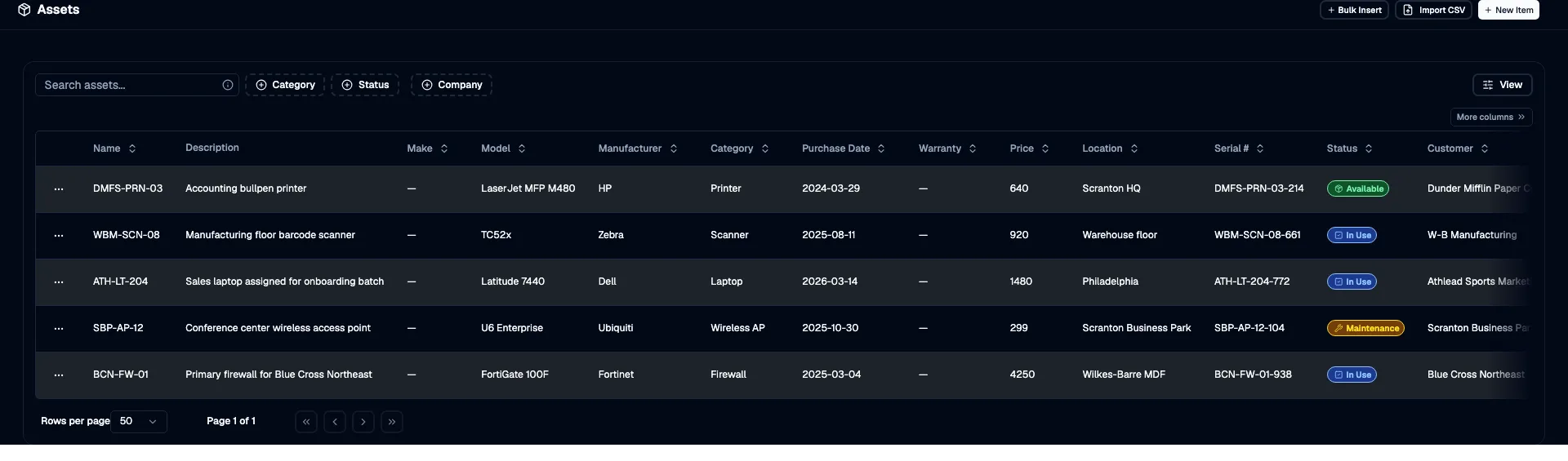
Customer-linked records
See what each client actually has deployed.
Single relationship graph. Assets connect to customers and assignments so you can answer “what does Acme have?” without a separate CMDB hunt.
Operational detail. Capture the fields your team needs for support and lifecycle—without forcing a rigid vendor schema.
See what each client actually has deployed.
Lifecycle signals
Plan replacements before they become emergencies.
Policy hooks. Use replacement and lifecycle patterns to surface aging gear before it fails in production.
Less firefighting. Proactive visibility beats discovering EOL hardware during a P1.
- Warranty registered with OEM
- Assigned to cost center
- Retirement policy applied
Plan replacements before they become emergencies.
Integrated workflows
Assets show up where technicians work.
Customer context. View device context alongside the customers and contacts tied to your incidents.
RMM alignment. Where integrations exist, sync device reality into Core instead of maintaining two truths.
Hypervisor host
Location
Firmware plan
Assets show up where technicians work.
Frequently asked questions
Ready to try Core?
Start a free trial or talk to us about rolling out IT Asset Management with your team.